
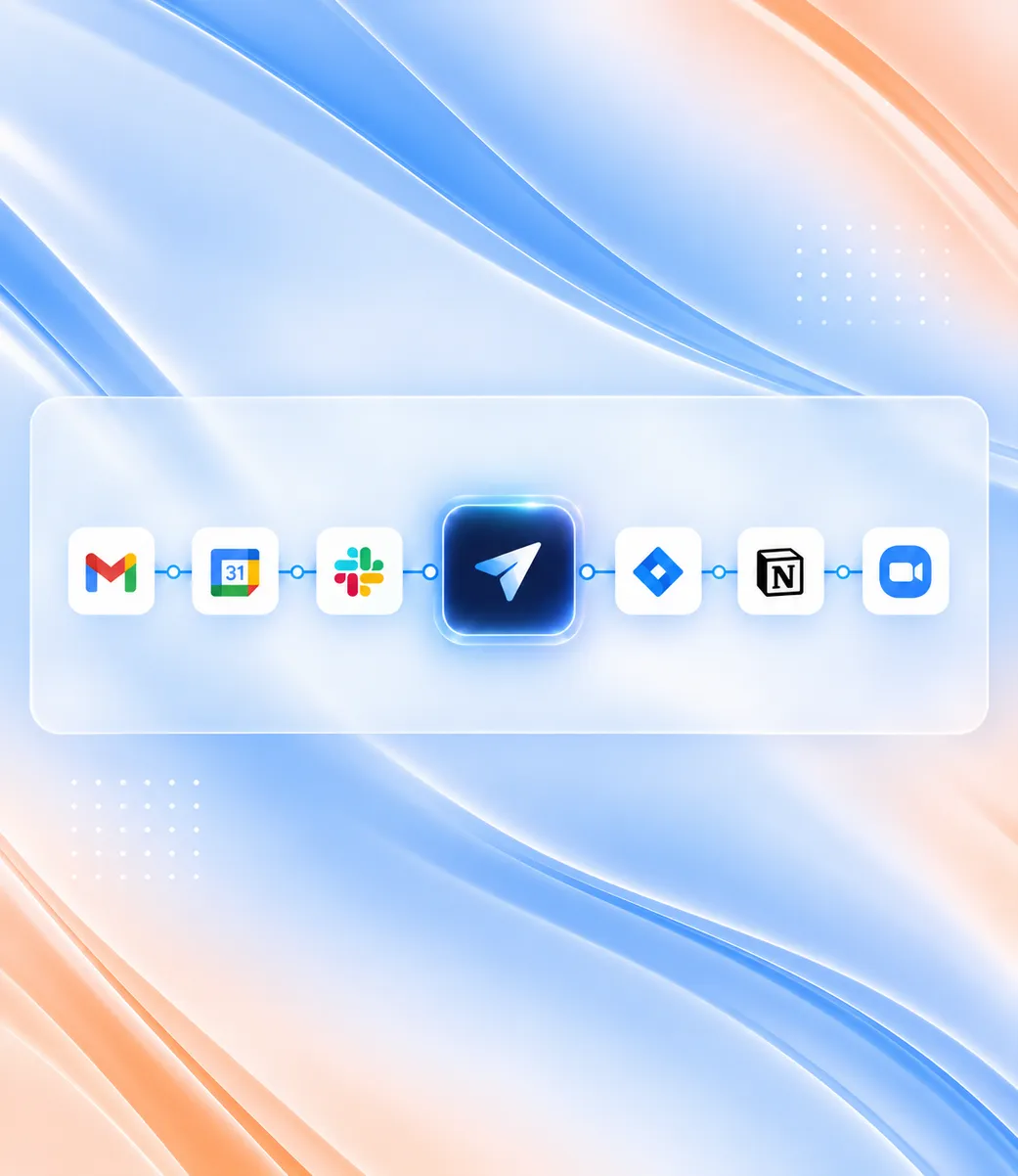
Gmail
Customer conversations and communication history.
Ask CommandLyne in plain language to find information, create content, and move work forward across your connected enterprise tools.
Book a DemoCommandLyne continuously syncs and processes updates from your existing software stack to build a unified semantic graph.
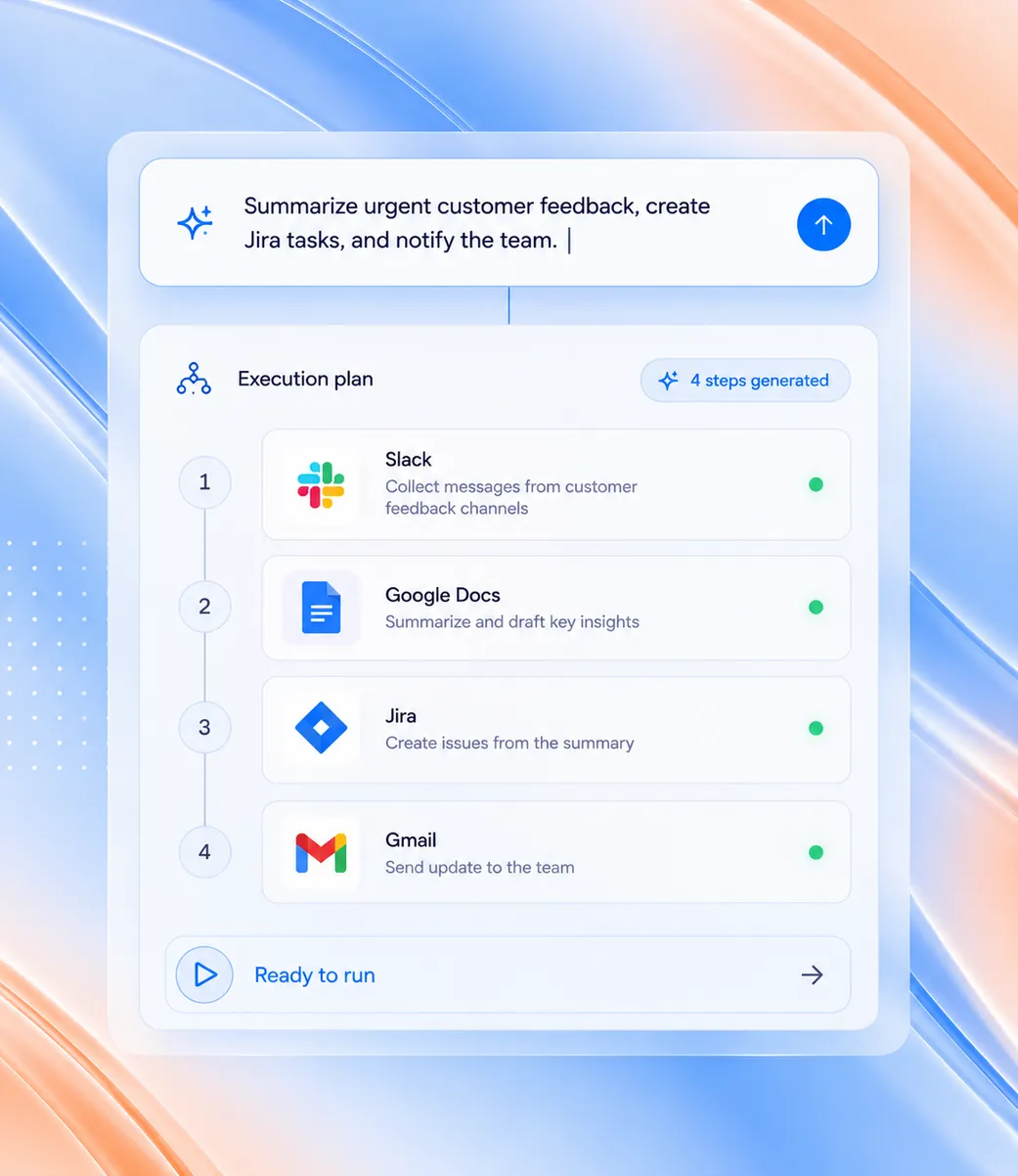
One instruction can move through the systems needed to complete the task — from retrieving information to creating and sharing the final result.
01
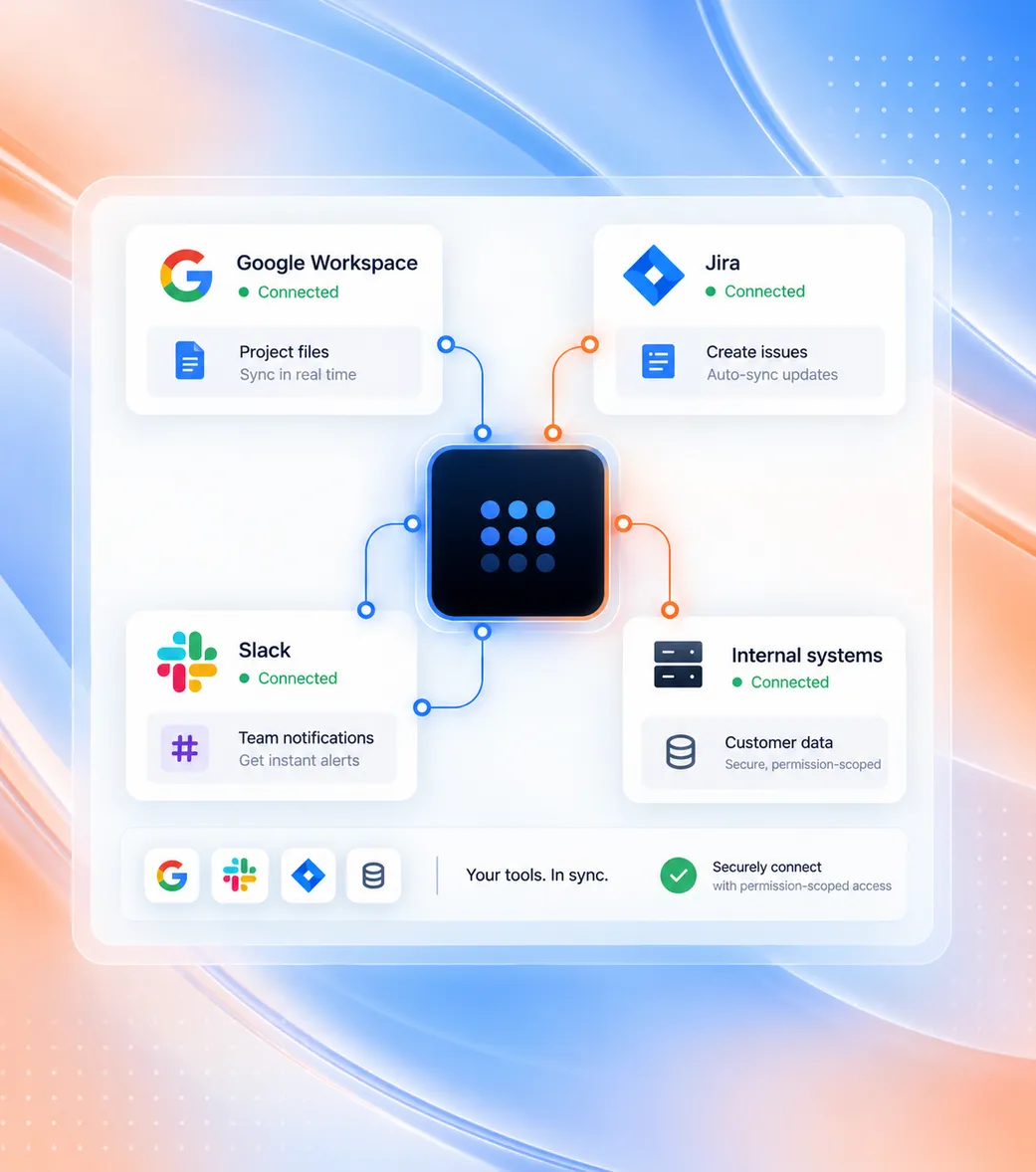
Securely link Google Workspace, Jira, communication channels, and internal systems through permission-scoped connectors without data duplication.
02
Type what you need in natural language. CommandLyne decomposes the request into an ordered, multi-step execution plan across the required tools.
03
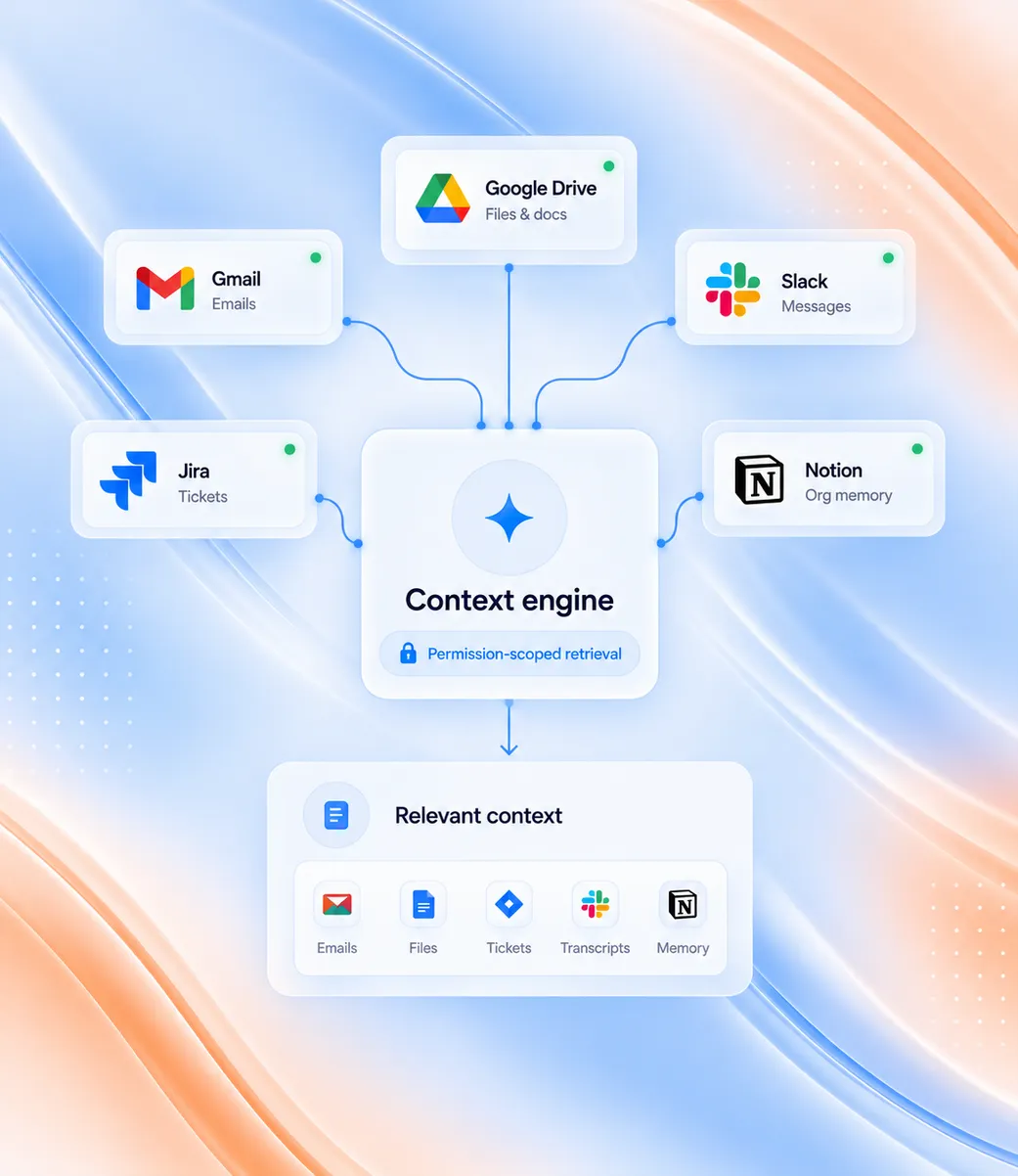
Retrieve files, emails, tickets, transcripts, and organizational memory with permissions strictly enforced.
04
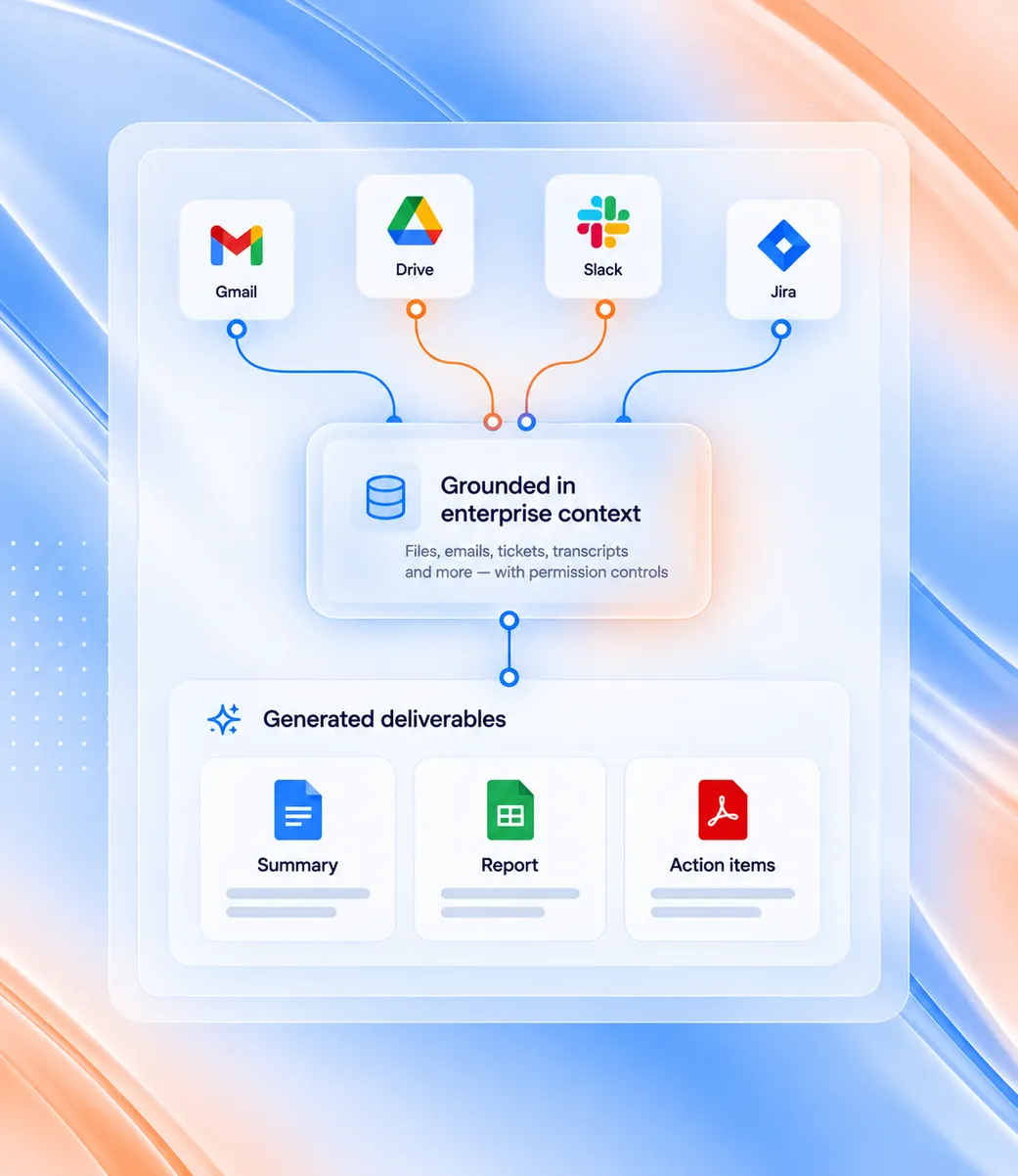
Produce documents, spreadsheets, issue updates, and tailored summaries built on real enterprise information.
05
Send emails, update project boards, notify messaging channels, or schedule calendar events — always within granted permissions.
CommandLyne uses permitted information from connected enterprise systems to provide relevant context for each request.
Customer conversations and communication history.
Documents, reports, and shared knowledge.
Tickets, sprint activity, and project context.
Current information for research when needed.
Additional enterprise information connected to CommandLyne.

Combine enterprise context and external information to research, compare, summarize, and identify relevant signals.
Combine internal context with current external information.
Review what shipped, what slipped, and why.
Spot patterns across conversations and tickets.
Answer questions that span more than one tool.
Bring in external information when it is needed.
CommandLyne can carry work forward across connected tools while keeping the user in control before execution.
01/05
See exactly what CommandLyne plans to do, including the action and connected tools involved before anything is executed.
02/05
Review the proposed action and confirm when you are ready for CommandLyne to move the work forward.
03/05
Modify instructions, details, or the planned action before execution to make sure the outcome matches your needs.
04/05
Stop a proposed action before it runs whenever the task is no longer required or needs further review.
05/05
Correct or reverse supported actions after execution when changes are needed, helping maintain control.
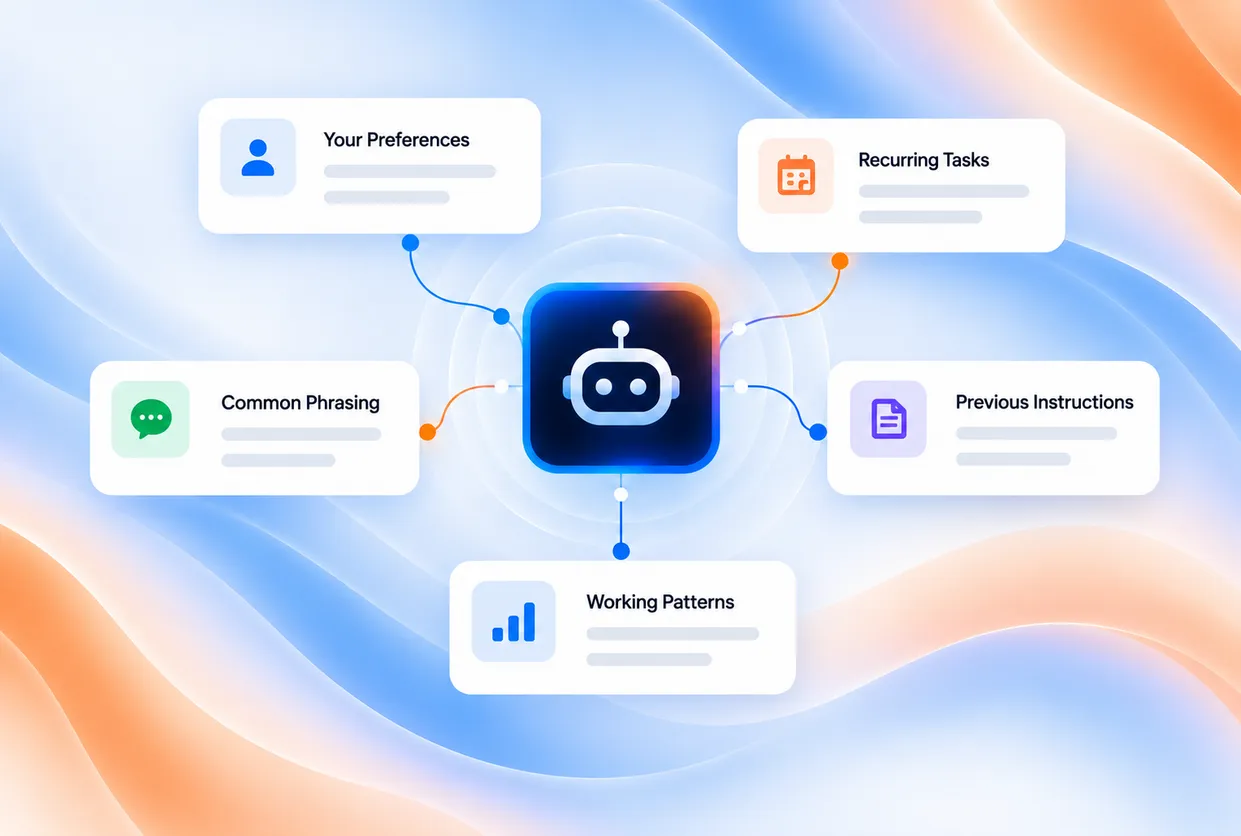
CommandLyne can retain personal preferences, working patterns, and previous instructions so users spend less time repeating themselves.
Connect the systems you use today, extend into additional tools through MCP, and run enterprise work in one governed place.